Click on the below picture and scroll down to view all the pictures from the Legacy Celebration Dinner and demonstration.

You have the option to download individual pictures to your computer or phone. Click on the shopping bag if you want the picture printed and mailed to you
Hover your mouse over a picture and a menu will appear at the bottom right of the picture. Or click on the picture to expand it to full screen and a menu will appear at the top right of the screen. Click on the download arrow to download the picture to you phone or PC.
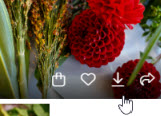

You may be asked to enter your email address to download the picture.
Enter your email address and click Sign in
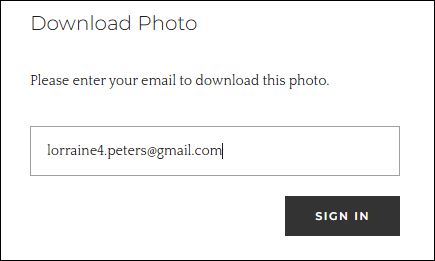
A Download Photo box will appear
High Resolution size is around 10 megabytes and Web Size photo resolution is around 500 kilobytes.
In the Download Photo menu box click on the size of photo you would like to download.
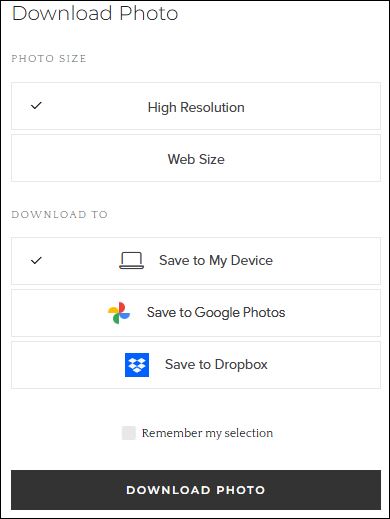
Click the DOWNLOAD PHOTO button. A box will appear at the top right of your screen allowing you to save the picture to your computer or phone and rename the photo.
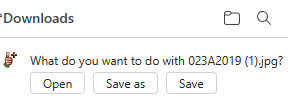
You can download as may pictures as you would like.